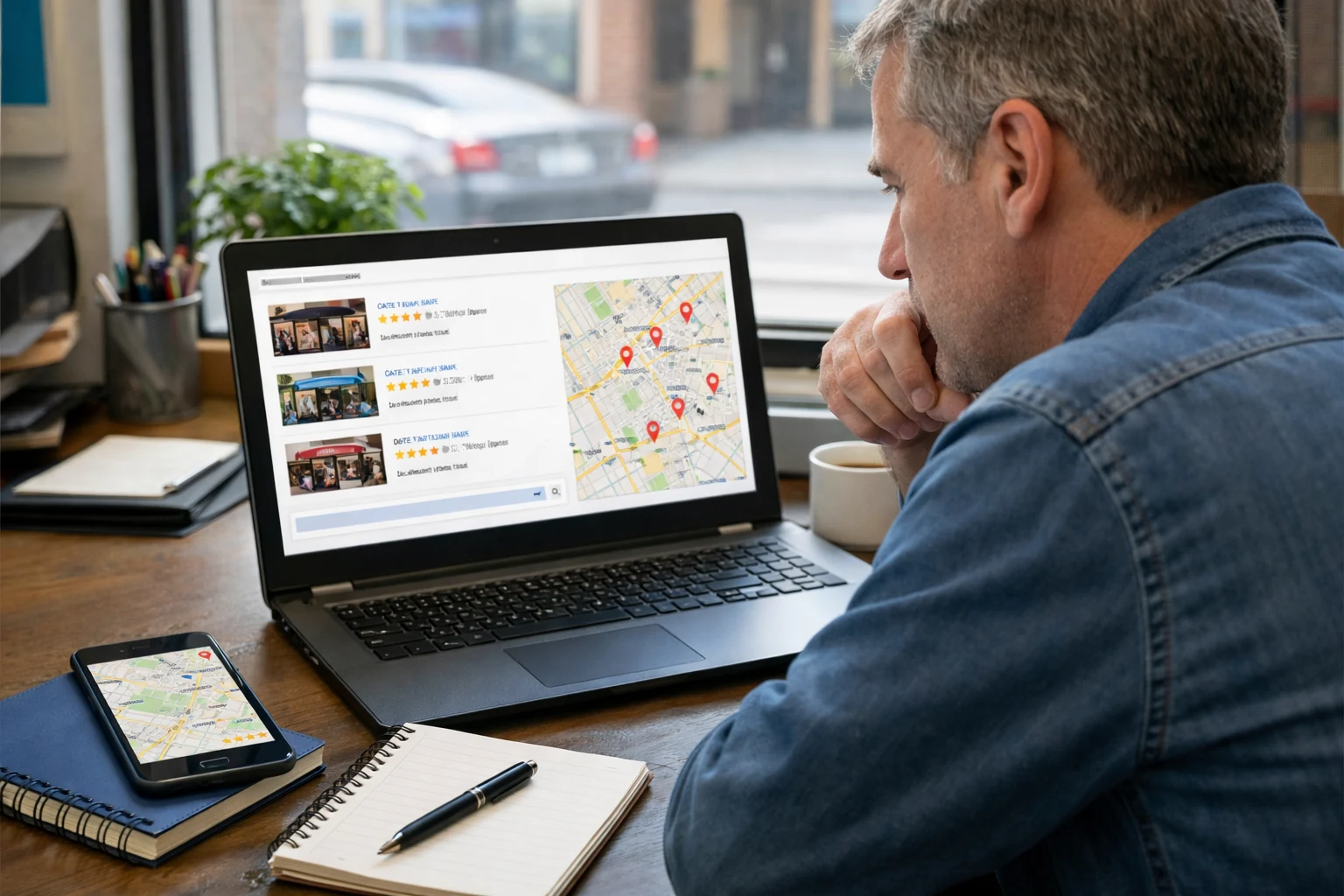
Some pages rank well without strong keywords because they keep users engaged. (It’s that simple.) When visitors stay at your site, scroll through your content, and click on things, search engines see that as a quality signal.
That’s where SEO behaviour in action. Usually, Google tracks how users interact with your page after they click through from search results. And if user behavior looks positive, your rankings benefit. Conversely, if people leave fast, your page drops.
You might be worried now. Don’t worry, in this guide, we’ll cover how user behavior affects rankings, how design patterns influence engagement, and what you can do to keep users on your page longer. So that your page never drops like others.
Now, let’s start with learning the SEO behaviour in detail first.
SEO Behaviour: What It Is and How It Affects Rankings
SEO behaviour refers to how users interact with your page after they click through from search results. But the interesting thing: Google doesn’t just look at your keywords anymore. It tracks what happens next.
For instance, do users scroll? Do they click on anything or bounce back to the search engine results page within seconds? All of this counts as user behavior data, and Google’s algorithms pay close attention to it.
Here’s what behaviour data actually tells Google:
How Search Engines Read User Signals
We have already mentioned that search engines read user signals by tracking how long people stay on your page, how they interact with it, and how quickly they return to search results. In fact, these user behavior metrics work like a report card for your content.
You can think of it as one piece of the puzzle, too. But that’s not everything. Google also looks at users’ click patterns, which links they follow, and whether they explore other pages on your site.
We’ve seen a visitor who reads one article and then checks out three more sends a much stronger signal than someone who bounces after ten seconds.
The Big Picture Beyond Keyword Research
So what happens when you zoom out? Your keywords help you get found, sure. But analyzing user behavior shows Google whether your page actually delivers what people wanted.
Trust us! Your pages can outrank bigger competitors just by keeping users engaged longer. That’s the big picture most people miss. Besides, strong user engagement can mitigate weak keyword optimization, especially in competitive niches where everyone chases the same terms.
Design Patterns That Keep Visitors Around

The right layout and structure can extend a short visit into a meaningful session. And search engines reward that. Also, good design patterns help users navigate your page without confusion. They find what they need, stick around, and explore more.
If you want to know which design patterns attract the visitors most. Keep reading the following:
Enhancing User Experience Through Layout and Speed
Clean UI design patterns change the idea of how users experience your content. Sometimes, simple things like readable fonts, enough white space, and clear navigation help visitors move through your page smoothly.
But the disappointing thing is when pages have slow load times, visitors leave before your content even appears (three seconds is all it takes to lose them). That’s users bouncing, and Google notices every single time.
Adding to the problem, mobile traffic now makes up more than half of all website visits. So if your user interface is breaking on mobile devices, you’re losing a huge amount of potential clients.
That’s why we suggest having a great UX design for your site. It keeps people scrolling longer, which improves user retention and sends positive signals to search engines.
Core Web Vitals and Their Role in Search Results
Real talk for a second. Google introduced core web vitals as direct ranking signals. These metrics measure three things: load times, first input delay, and cumulative layout shift.
Among them, the first input delay tracks how fast your page responds when users click something. And cumulative layout shift checks if your content jumps around while loading. But in the end, both affect your user satisfaction more than most people realize.
Frankly, pages that pass core web vitals often see lower bounce rates and better conversion rates. So, if your scores are poor, it might be time to bite the bullet and fix those technical issues. And the payoff in UI patterns and overall SEO performance can be worth it.
Search Intent: Giving Users What They Actually Want

Ever wondered why some pages rank high even with average content? They nail what the user was actually looking for. That’s where search intent is in action.
To be specific, search intent is the reason behind every user’s search query. How does this work? Look, every visitor comes with a different goal. Some want to buy something. Others want to learn. And some are simply trying to reach a specific page or brand. Now, Google groups these into three main types: informational intent, navigational intent, and transactional intent.
So, you can stuff your page with keywords all day, but if your content doesn’t satisfy Google’s correct intent, rankings won’t stick.
For example, someone searching “best running shoes 2025” with transactional intent. They’re ready to compare and buy. But if your page shows them a history lesson on running shoes instead, they’ll bounce. And Google tracks that immediately, so your rankings drop.
Pro tip: You can create content that matches search intent by starting with understanding your audience. That’s why ask yourself: What do many users actually want when they type in that search query? Quick answers? Deep guides? Product comparisons? These answers will guide you to set the right intent for your page.
Internal Links, Click Through Rate, and the SEO Level Connection
Internal links and click-through rate work together to show search engines which pages deserve more visibility. Between them, one helps users move through your site while another tells Google whether your page looks worth clicking in the first place.
Here’s how the next sections break down this connection, starting with internal links and then the click-through rate.
How Internal Links Guide Both Users and Search Engines
Internal links guide visitors to discover related content and spend more time on your site. They also show search engines which pages are connected and which ones carry the most weight.
For example, when you link from a high-traffic blog post to a service page, you pass some of that authority along. It improves user flows and helps search engines crawl your site more efficiently (most sites we check treat internal links as an afterthought).
Strategic linking can also guide users toward conversion points. If someone reads a helpful article and sees a relevant link to your product page, they’re more likely to click. That’s how internal links lift your overall SEO level without adding new content.
Click Through Rate Tells the Real Story
A high click-through rate (CTR) shows that your title tags and meta descriptions are catching genuine interest. When that interest is missing, even well-ranked pages lose ground if nobody clicks on them from the SERPs.
In our audits, CTR improvements often move the needle faster than adding new content. Additionally, it proves that small tweaks to your meta description or title can boost clicks by 30%.
Rich snippets and schema markup also help your listing stand out. When users see star ratings or FAQs right in search results, they’re more likely to click.
Verdict: Improving click-through rate often starts with writing titles that speak directly to search intent. If you can identify areas where CTR is low, fixing those specific page listings can improve your SEO performance quickly.
What Happens When SEO Behaviour Goes Wrong?
With wrong SEO behaviour, your rankings start slipping. When users land on a page and leave within seconds, search engines read that as a bad sign. That means your content didn’t deliver what the user engagement promised in the search results.
Sometimes, poor UI design, slow load times, or mismatched search intent can tank your SEO level in weeks. We’ve seen pages fall from page one to page three just because user behavior data kept pointing the wrong way.
But don’t worry! The fix isn’t always complicated. Sometimes it’s a cluttered layout or content that doesn’t match what many users expected. Either way, ignoring bad SEO behaviour won’t make it disappear. Instead, your search engines keep tracking, and rankings keep shifting.
Rethink Your Page Strategy From Today
So here’s the big picture. Rankings aren’t just about keywords anymore. How users behave on your page, how your design patterns guide them, and whether your content matches search intent all play a role.
That’s why small changes here and there can add up fast. Try fixing your load times first. Then, tighten up your internal links. Next, write meta descriptions that actually get clicks. With these elements, the ball is in your court now.
Need help putting it all together? We are here to help you. At Click2Rank, we create SEO strategies built around real user behavior, not just keyword guesswork. We also provide sustainable results, no shortcuts.